25 practical guides
Podcasts & streaming
Make voices intelligible and route audio without echoes.

Keep a noise gate open for quiet sentence endings
Adjust release behaviour using real speech instead of a sustained vowel.
Read the guide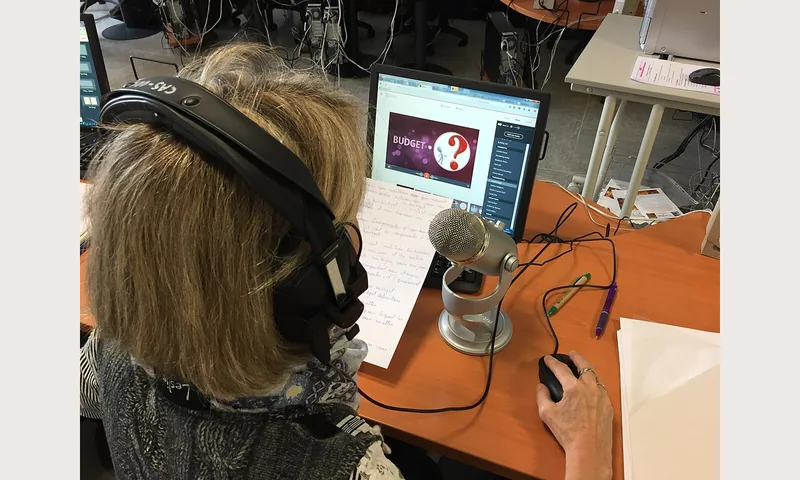
Separate microphone monitoring from stream monitoring
Choose which signal the presenter hears to avoid hearing two copies.
Read the guide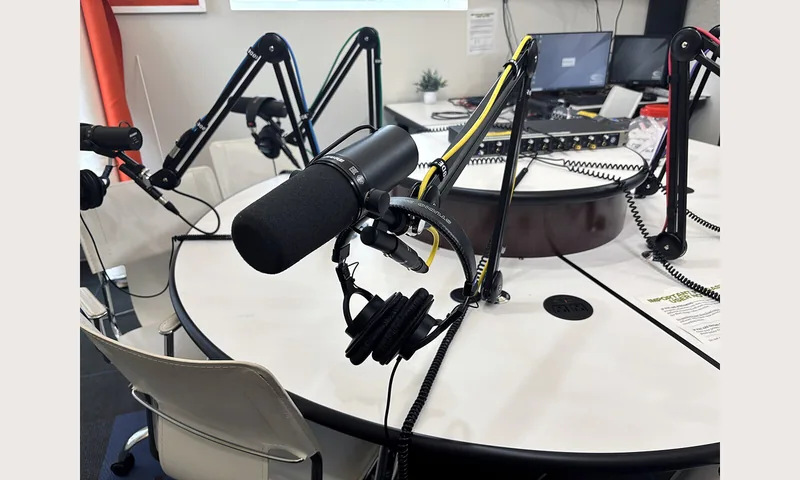
Reduce plosives without making the voice dull
Change microphone angle and distance before heavy filtering.
Read the guide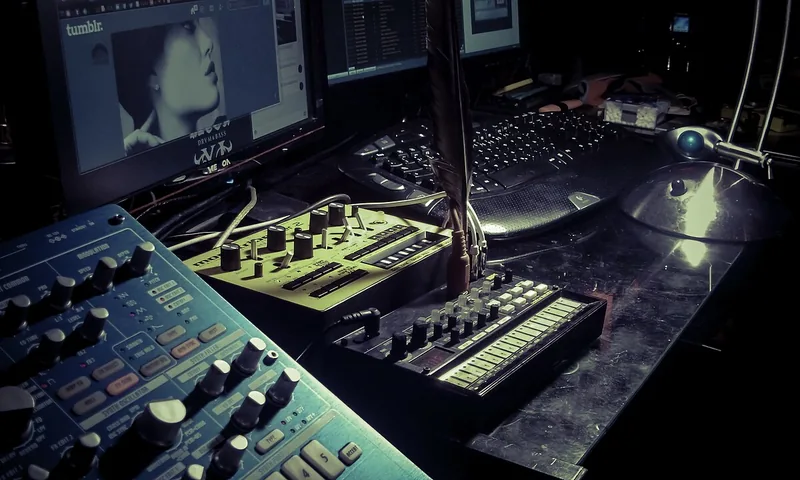
Set a limiter as a final safeguard for speech
Control unexpected peaks without using limiting to set every sentence.
Read the guide
Record a remote guest backup on their own computer
Plan a local fallback and a clear synchronisation point.
Read the guide
Keep notification sounds out of a recorded interview
Test the capture path after silencing apps.
Read the guideCheck which side of a microphone should face the speaker
Confirm the pickup face before adding gain or EQ.
Read the guide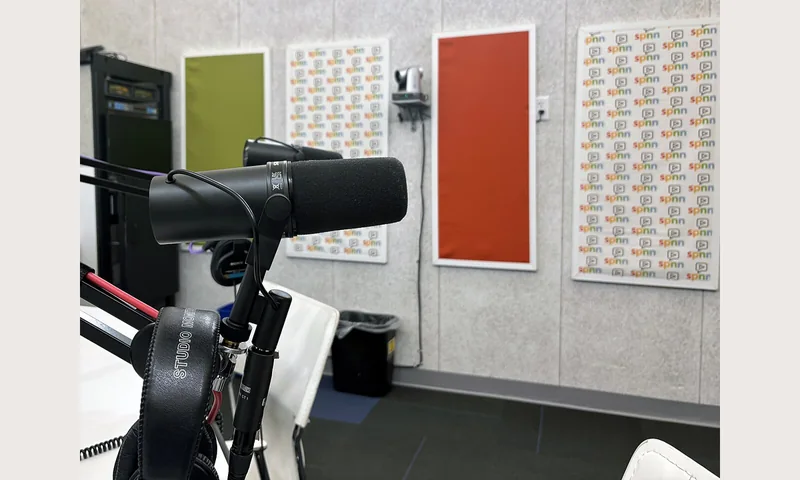
Keep a USB microphone from changing level unexpectedly
Look for automatic processing before diagnosing a hardware fault.
Read the guideRecord a screen tutorial with clean application audio
Keep narration and demonstration sound separately adjustable.
Read the guideAdd music under speech without masking important words
Set music against a full spoken paragraph and inspect transitions.
Read the guide
Export a caption-friendly spoken-word master
Preserve a clear reference and stable timing for transcription.
Read the guide
Stop a boom arm from transmitting desk knocks
Isolate the mechanical path before adding a noise filter.
Read the guide
Choose a USB or XLR microphone
Choose the signal path you can support, not only the microphone.
Read the guidePlace a podcast microphone for clear speech
Keep the mouth-to-mic relationship consistent and control air blasts.
Read the guideSet podcast levels before adding filters
Capture clean speech first, then shape the output.
Read the guideBuild an OBS audio filter chain carefully
Give each filter one job and compare every change.
Read the guideStop a noise gate cutting off words
Tune the gate against quiet speech, not just background silence.
Read the guideRecord remote guests on separate tracks
Separate sources before the conversation when the software supports it.
Read the guide
Understand mix-minus for remote interviews
Send the guest the programme without returning their own voice.
Read the guideFix a voice that sounds doubled on stream
Find the duplicate route instead of masking the echo with filters.
Read the guide
Sync camera video and microphone audio
Measure the offset with a visible and audible event.
Read the guideReduce keyboard noise in voice recordings
Change distance and mechanics before relying on suppression.
Read the guide
Prepare a podcast edit before export
Remove distractions while preserving conversational rhythm.
Read the guideCheck a stream before going live
Run the same scenes, devices and workload you will use publicly.
Read the guidePackage podcast files for delivery
Check the actual file, metadata and destination requirements.
Read the guide